
Manage and complete compliance tasks with automated scheduling, calendar-based reminders, and built-in tracking. Eliminate manual follow-up and ensure nothing slips through the cracks.

Customizable incident reporting forms, root cause analysis tools, automated notification workflows, and OSHA compliance reporting integrate seamlessly to provide complete visibility and control over your organization's safety incident lifecycle.
Send automatic reminders before deadlines and escalates overdue tasks to managers.
Track every task from draft to completion and see live reports on progress and overdue work.
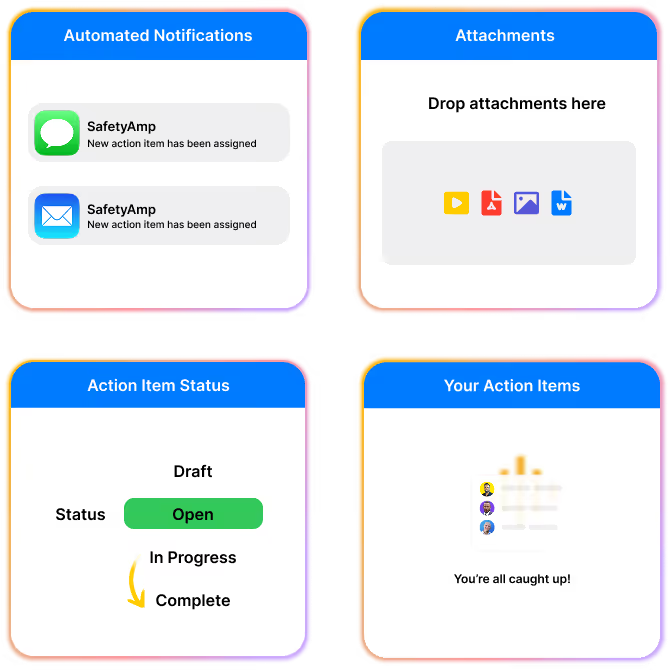
Add photos, videos, and files to each action item so all evidence stays in one place.
Each person sees exactly which tasks they own, when they are due, and what needs attention.









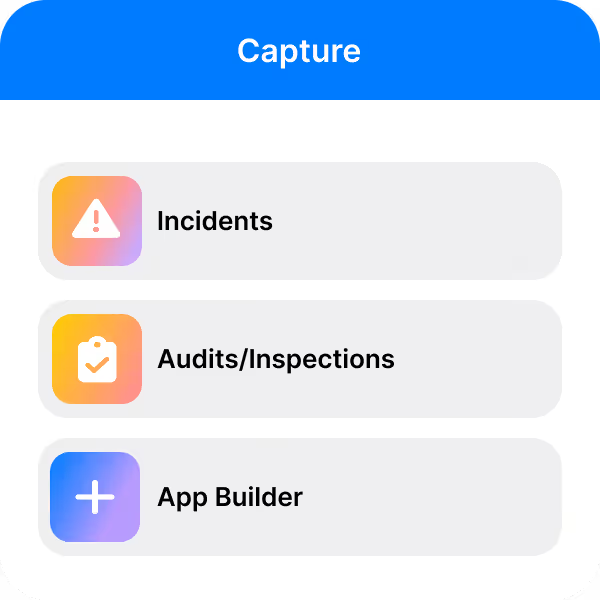
Create an Action item from an inspection, incident, or from any custom built app on our platform.
Capture action items while documenting incidents
Quickly mark-up and annotate photos taken
Schedule and assign actions and ensure everything is done on time
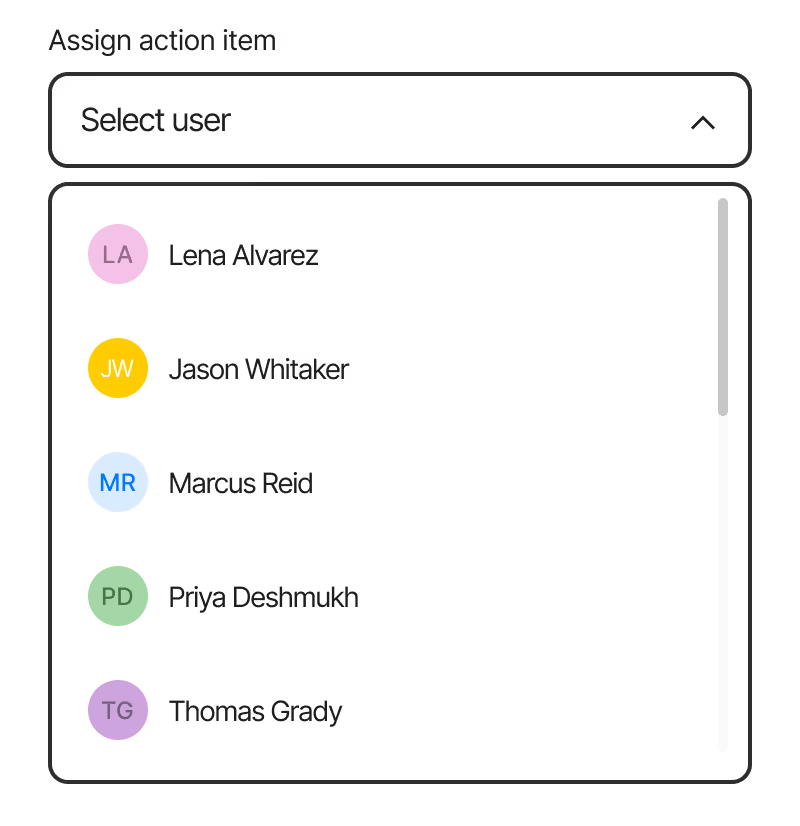
Assign tasks with full clarity—define owners, set deadlines, and provide all necessary context up front. Eliminate confusion, reduce follow-up, and ensure accountability from start to finish.

Set up recurring inspections to prevent gaps and ensure no hazard goes unnoticed
Easily respond to audit/inspection form questions
Quickly mark-up and annotate photos taken
Schedule and assign actions and ensure everything is done on time
Proud Multi Year Award Winner for Excellence in Safety and Compliance Solutions




Case Studies
Learn how SiteSense reduced annual energy usage by 1.4 million kWh despite a 5% increase in production.
Applying digital transformation to EHS with the rapid deployment of mobile safety applications.
SII standardized and digitally transformed EHSQ reporting and administrative processes company-wide.


Made in the U.S.A.
© Copyright 2026
